GBTC: Publish your app with easeDiscover GoodBarber Takes Care and simplify the app publication process for both the App Store and Google Play. Let us handle the technical details for you.Learn more about GBTC
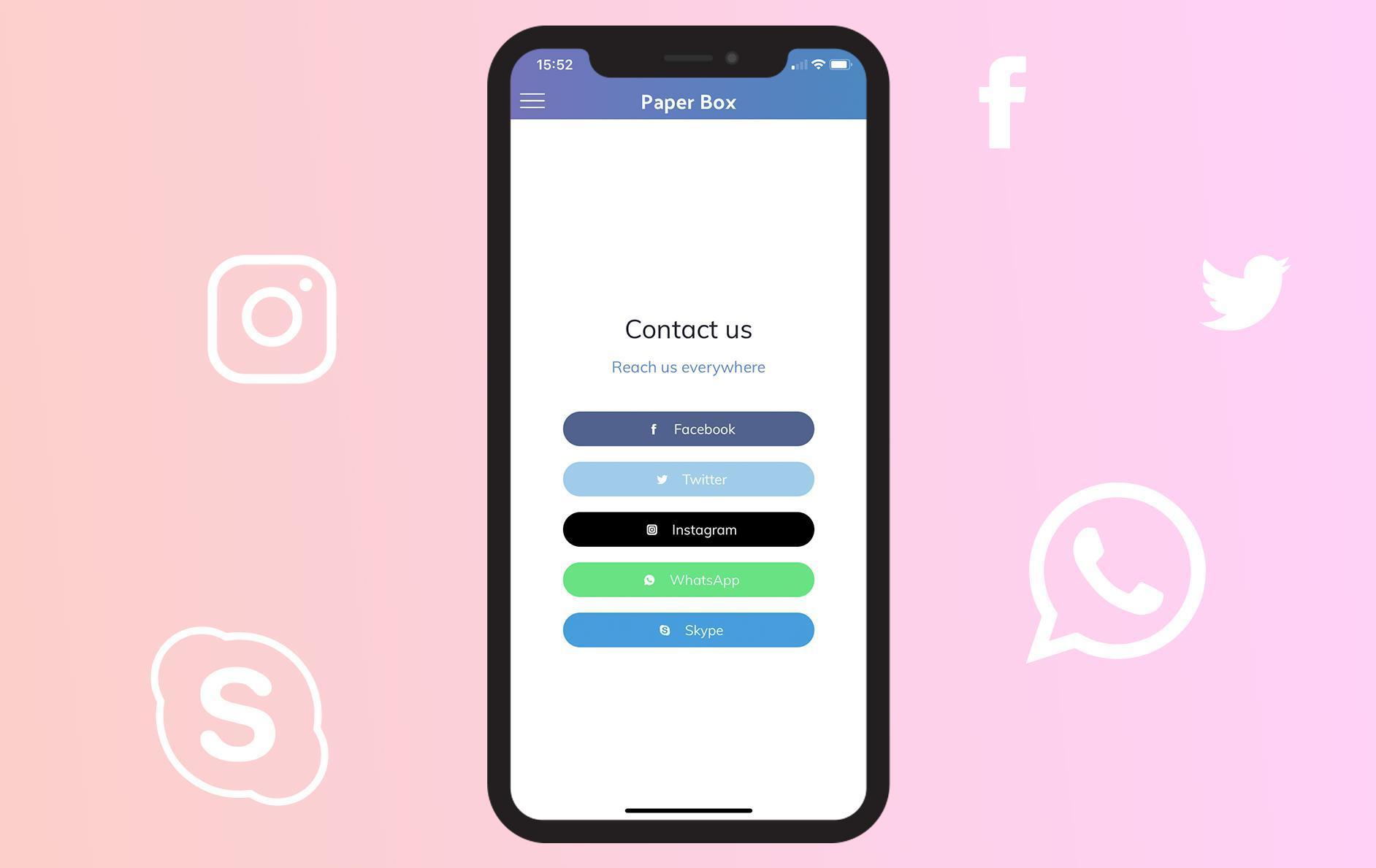
You asked us, and now it's done : links towards Instagram, WhatsApp and Skype are now available in your Contact section.
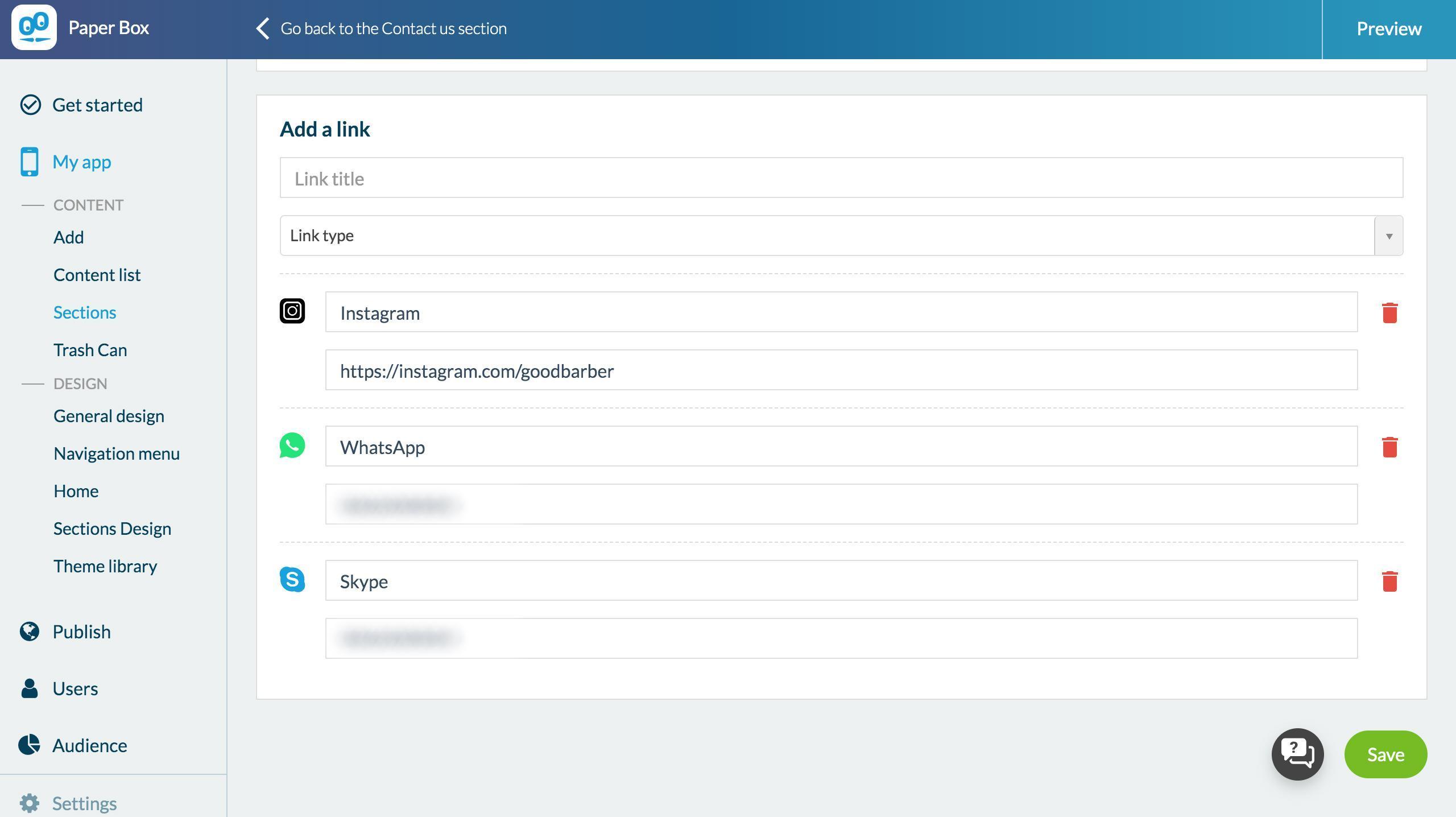
To set them up, go to Content> Sections> Contact> Edit content. Choose the type of link you want to add from the drop-down menu and enter the requested information.
User side behavior will differ depending on the type of link chosen:
Instagram: the user is redirected to the web version of Instagram, on the page you have entered, he will then have the choice to stay on the web version, or to open the page in the app, if the latter is installed.
WhatsApp: If the user owns the WhatsApp app, a pop up will ask permission to open the chat page in the WhatsApp app.
Skype: A pop-up will ask for permission to open the Skype app. If the user does not have it, he will be invited to download it.
Five ways lead to a fitness app for your business, and each is priced its own way: a flat plan, an add-on to gym software, per client, per subscriber or quoted. The table below compares what each one costs and the job it is built for.
 eCommerce
 Memberships
 Chatbot
 Online Courses
 Bookings
 Travel guide
 Events
 Content Creators
 Pickup & Delivery
 Newspaper
 Radio
Radio Schools
 Faith
Faith Organizations
 Restaurant
 Grocery
 Custom apps
 Employee Communication

 NO CODE APP BUILDER
 TECHNOLOGY
 WHY GOODBARBER?
 Design
 PRODUCT RESOURCES
 TOPICS
 MOBILE APPS RESELLERS
 DISCOVER