GBTC: Publish your app with easeDiscover GoodBarber Takes Care and simplify the app publication process for both the App Store and Google Play. Let us handle the technical details for you.Learn more about GBTC
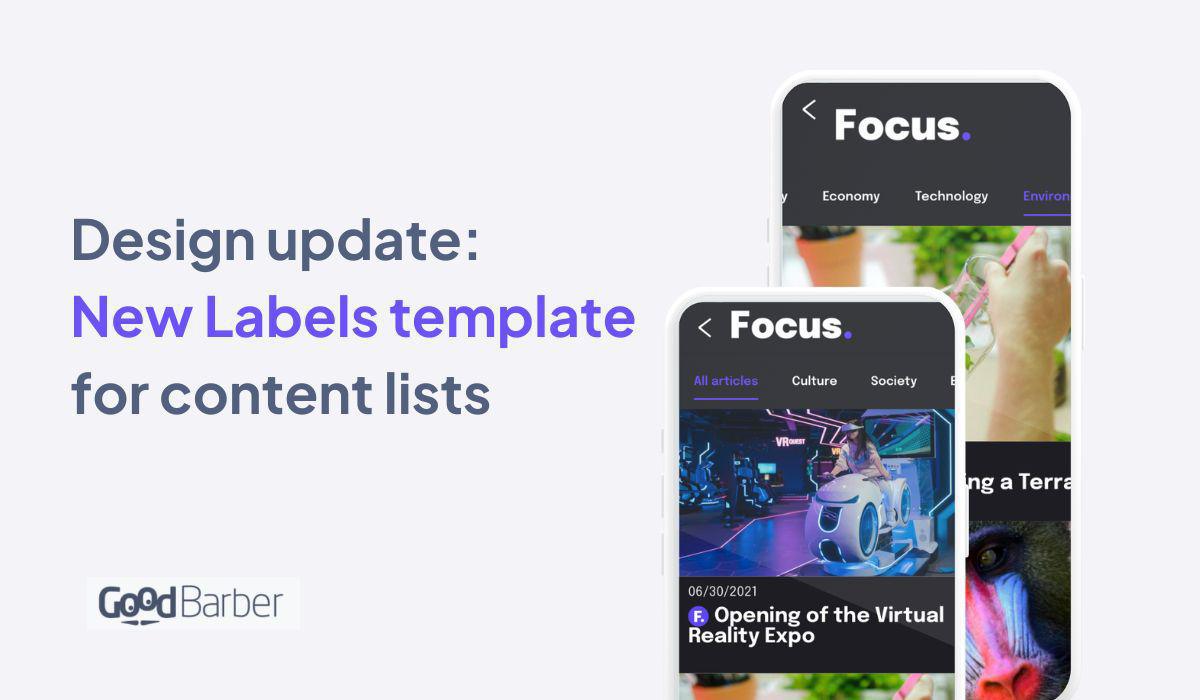
Following the release of the Tags template, we wanted to bring you another option for the transversal element of the multi-categories. Like the Tags, this template can be displayed in all list templates of all content types. This Labels template will greatly contribute to upgrading the visual of your app, giving a modern and trendy vibe. Perfect for news apps, radio & podcasts, tourism guides, etc...
This new template is available for all the content lists in your app :
Articles
Videos
Events
Map
Podcasts
How to apply the template on your GoodBarber Content app?
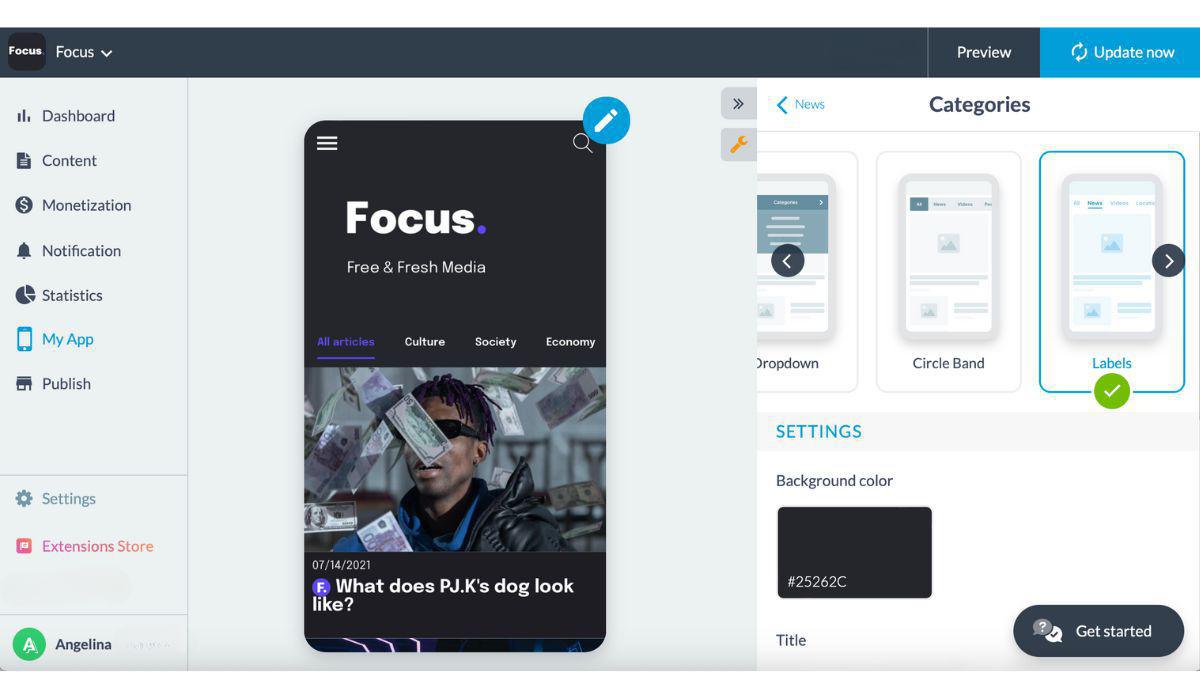
In your back office, go to the section containing categories. In the example below, our news section offers multiple categories: culture, economy, technology, etc... From the section, in the editing panel, click on Categories > select the Labels template.
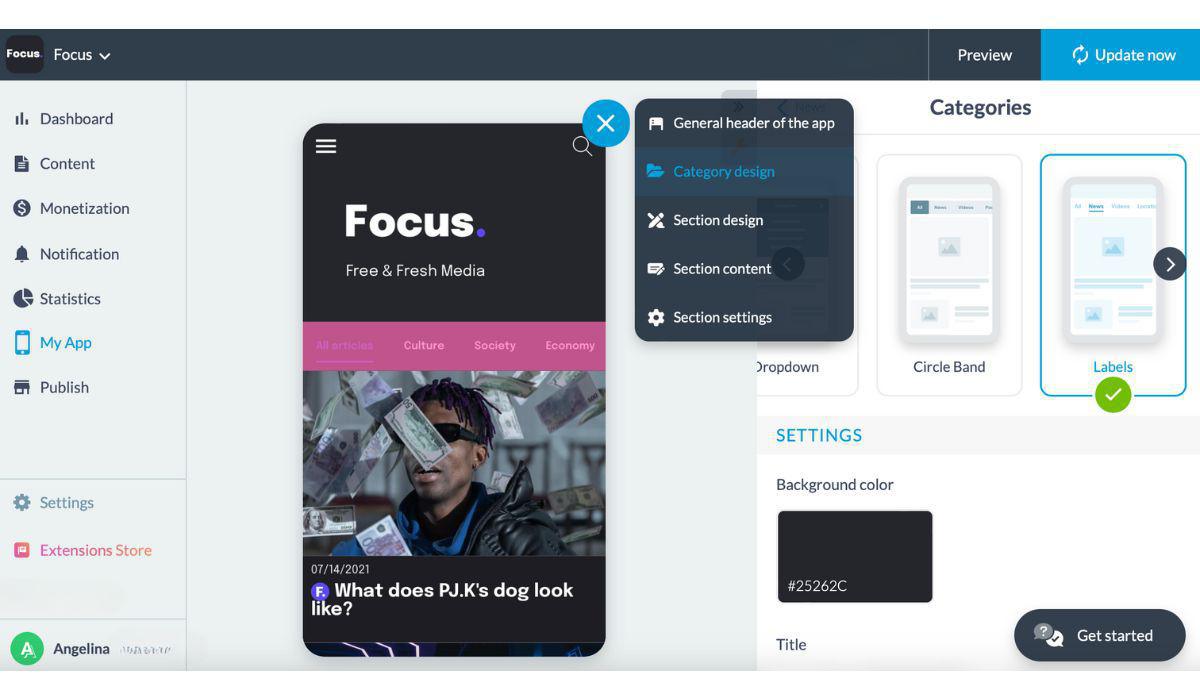
Another way to do this is, still from the relevant section, to click on the pen icon at the top right of the mockup > category design. > Select the Labels template.
Five ways lead to a fitness app for your business, and each is priced its own way: a flat plan, an add-on to gym software, per client, per subscriber or quoted. The table below compares what each one costs and the job it is built for.
 eCommerce
 Memberships
 Chatbot
 Online Courses
 Bookings
 Travel guide
 Events
 Content Creators
 Pickup & Delivery
 Newspaper
 Radio
Radio Schools
 Faith
Faith Organizations
 Restaurant
 Grocery
 Custom apps
 Employee Communication

 NO CODE APP BUILDER
 TECHNOLOGY
 WHY GOODBARBER?
 Design
 PRODUCT RESOURCES
 TOPICS
 MOBILE APPS RESELLERS
 DISCOVER