GBTC: Publish your app with easeDiscover GoodBarber Takes Care and simplify the app publication process for both the App Store and Google Play. Let us handle the technical details for you.Learn more about GBTC
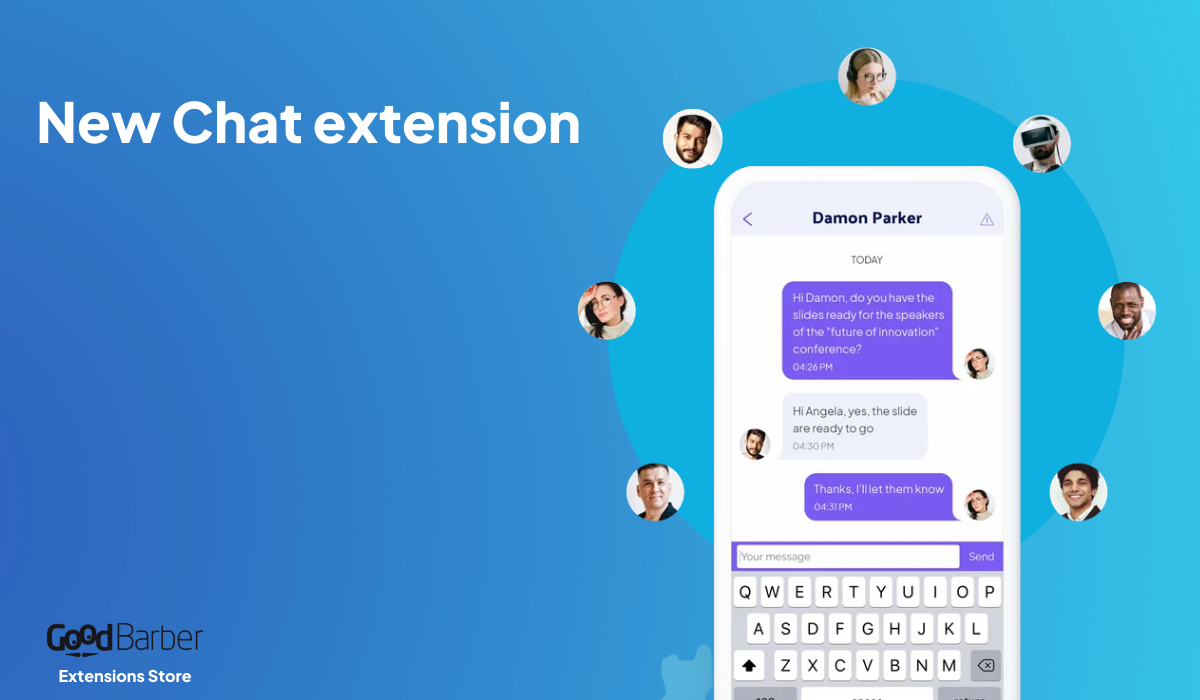
We are kickstarting 2016 with one of our technical team’s latest accomplishments. This January, let’s make your Beautiful App more… SOCIAL! We are indeed introducing a much-anticipated feature, bringing a lot of added value for your app: the Chat Add-On. After the many highlights of 2015 and notifications updates, with the Scheduled Push, Geofencing and iBeacons, this is definitely another big step forward!
Don't know how to get started? Check out the tutorial "How to make an app "!
How to activate the Chat Add-On?
As usual, go to Add-Ons Menu > Catalogue > User Features Section. Enter the detail page of the Add-On and click on Install (+ Free).
The Chat Add-On is only available with the ADVANCED plan.
This new Add-On will introduce a more social dimension to your app by integrating an instant messaging service, from one user to another. Just picture the possibilities for your community!
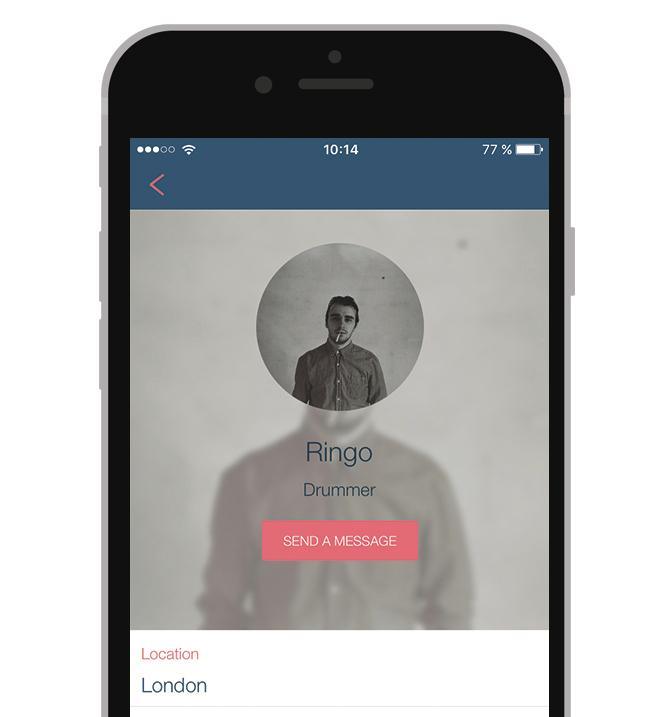
Once the Add-On is activated, a call-to-action will appear in the Public Profile of your User, allowing other users to contact them.
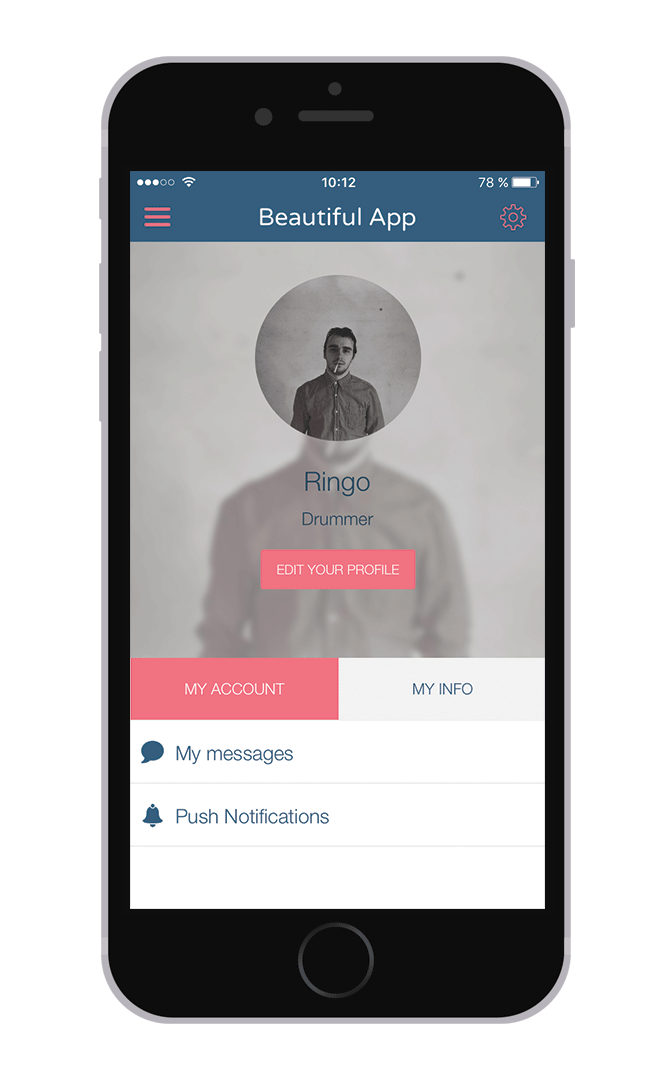
Other updates will also appear on the Private Profile of the User: on the Profile Page a direct link to his inbox, and in the Profile Settings the possibility to allow other users to contact them or not.
Notifications are now available with our Chat feature. They are automatically enabled. To start enjoying this engaging option now, simply check the revision number of your app. If it is below n°4474, you will need to recompile your app and commit and update before unleashing the full potential of your Chat section.
If the user refuses to be contacted, the call to action will not show on their Private Profile anymore.
Design wise
As you already know, design is key for us, so, we wanted to give you a wide range of customization options so that your application looks as much as possible to what you have in mind.
That is why we are providing you with 3 highly customizable templates for this new feature, for each view.
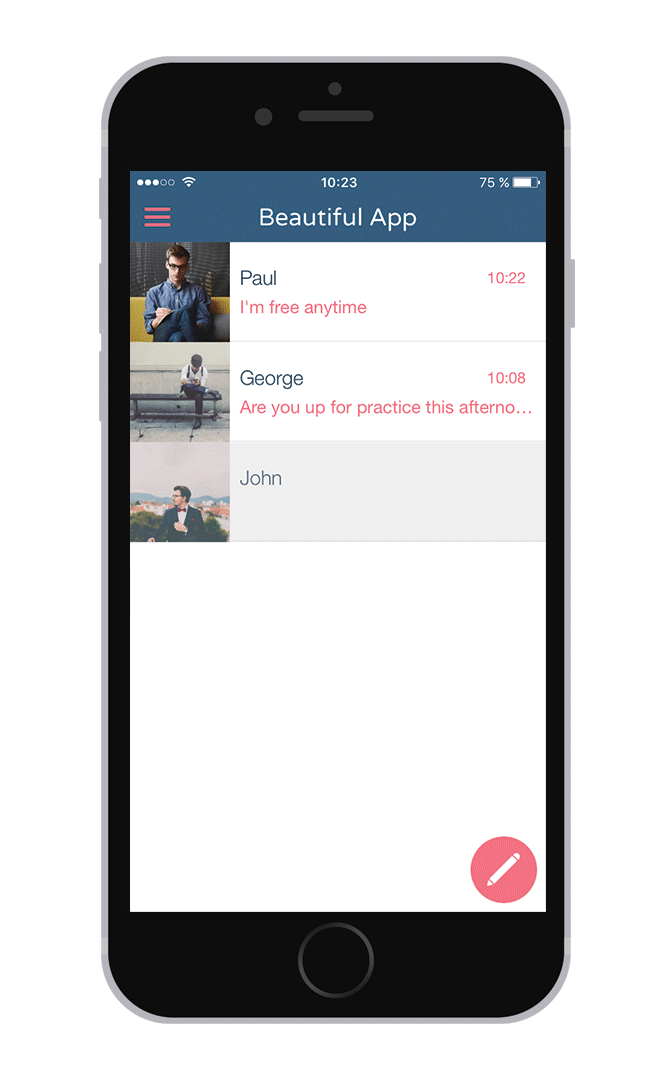
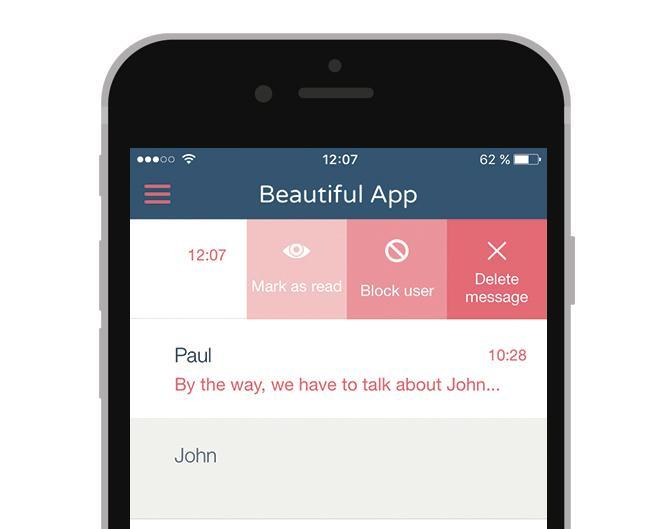
CONVERSATIONS LIST
From this page, the user can perform a number of actions. He can choose to block/unblock users, mark the last message as read or delete a conversation.
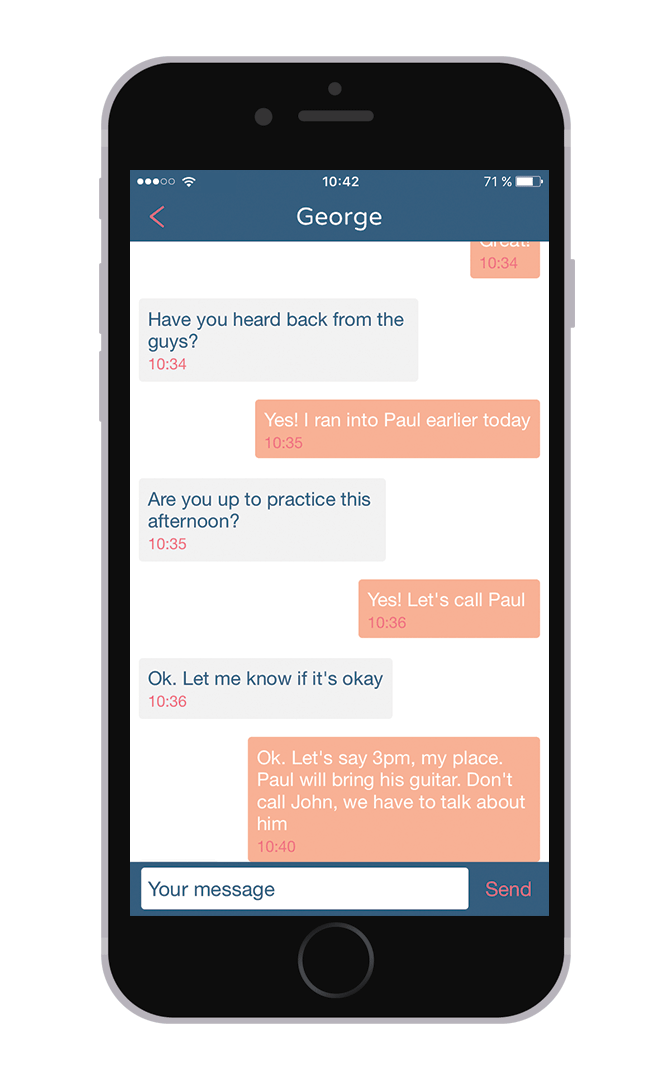
CONVERSATIONS DETAILS
In that view mode, a lot of details are customizable, such as the color of the bubbles, font… Be creative!
Templates aren’t tied to one another, you can mix and match them as you wish. So that your Chat feature be as unique as your project ;)
One last detail: the Chat section can be disconnected from the navigation mode of your app. This way you can choose whether you want it accessible through the User’s Profile or through the main menu of your application.
As you can see, our developers didn't do a half job. It’s now up to you to test this new Add-On and let the social magic operate with your users…
Five ways lead to a fitness app for your business, and each is priced its own way: a flat plan, an add-on to gym software, per client, per subscriber or quoted. The table below compares what each one costs and the job it is built for.
 eCommerce
 Memberships
 Chatbot
 Online Courses
 Bookings
 Travel guide
 Events
 Content Creators
 Pickup & Delivery
 Newspaper
 Radio
Radio Schools
 Faith
Faith Organizations
 Restaurant
 Grocery
 Custom apps
 Employee Communication

 NO CODE APP BUILDER
 TECHNOLOGY
 WHY GOODBARBER?
 Design
 PRODUCT RESOURCES
 TOPICS
 MOBILE APPS RESELLERS
 DISCOVER